Free
With your free account
- 3 mixes a month
- Up to 3 songs per mix
- Automatic tempo and counts
- Fade and hard cut
- Loop to rehearse
- MP3 in low or medium quality
UTOPIC APPS · Mixer
No editing skills needed: upload your songs, pick the section of each one and Mixer joins them, lined up on the 8s. Free, in your browser.

Mixer does it for you: upload your songs and pick the section of each one; the tempo and counts are worked out for you. Cuts snap to the 8s and changes sound smooth.
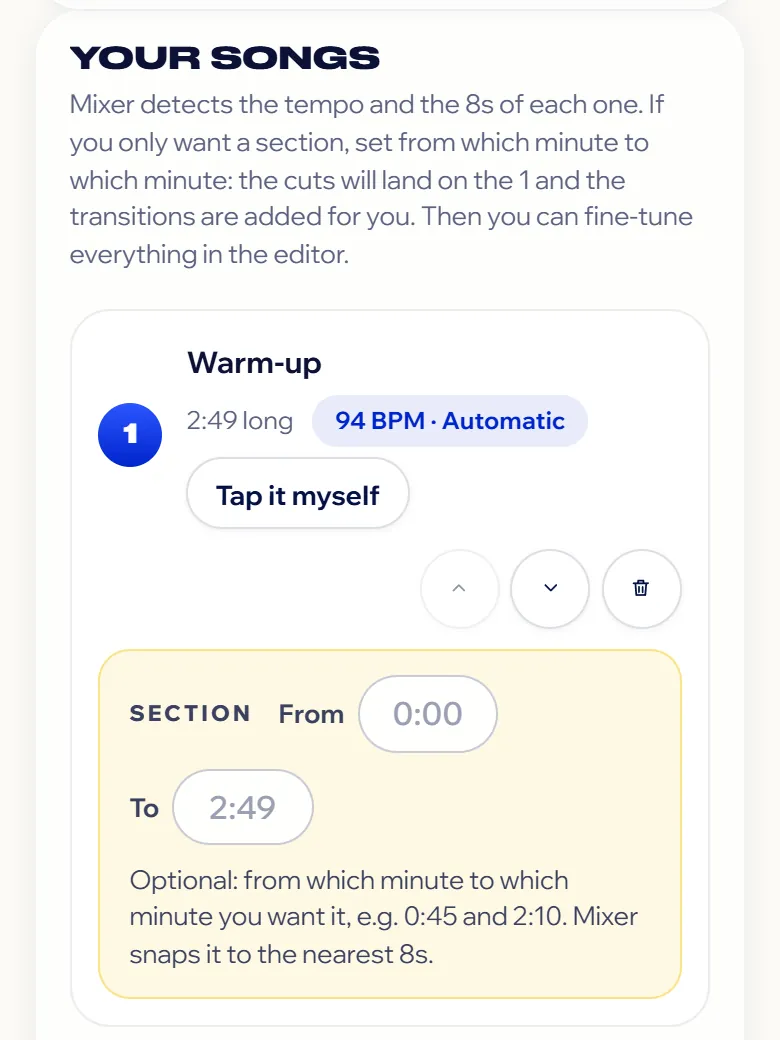
Mixer finds the tempo and counts of each one. If something's off, fix it or tap it in yourself.
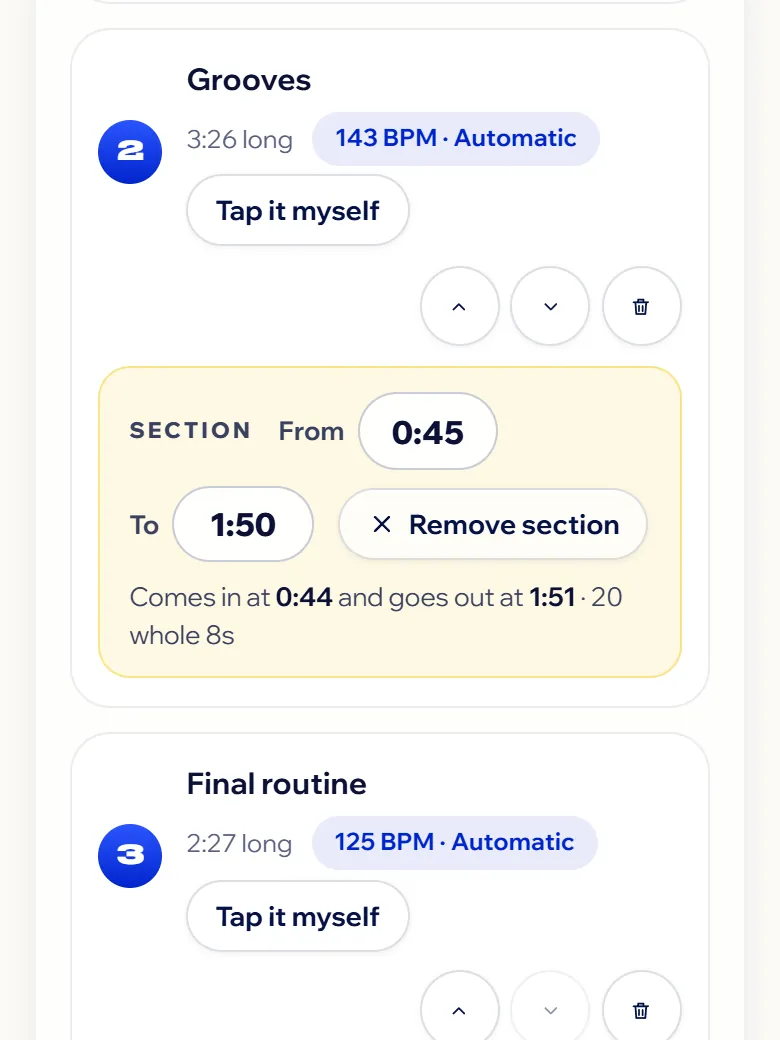
Set from which minute to which minute each song plays: the cut snaps to the nearest 8 and lands on the 1.
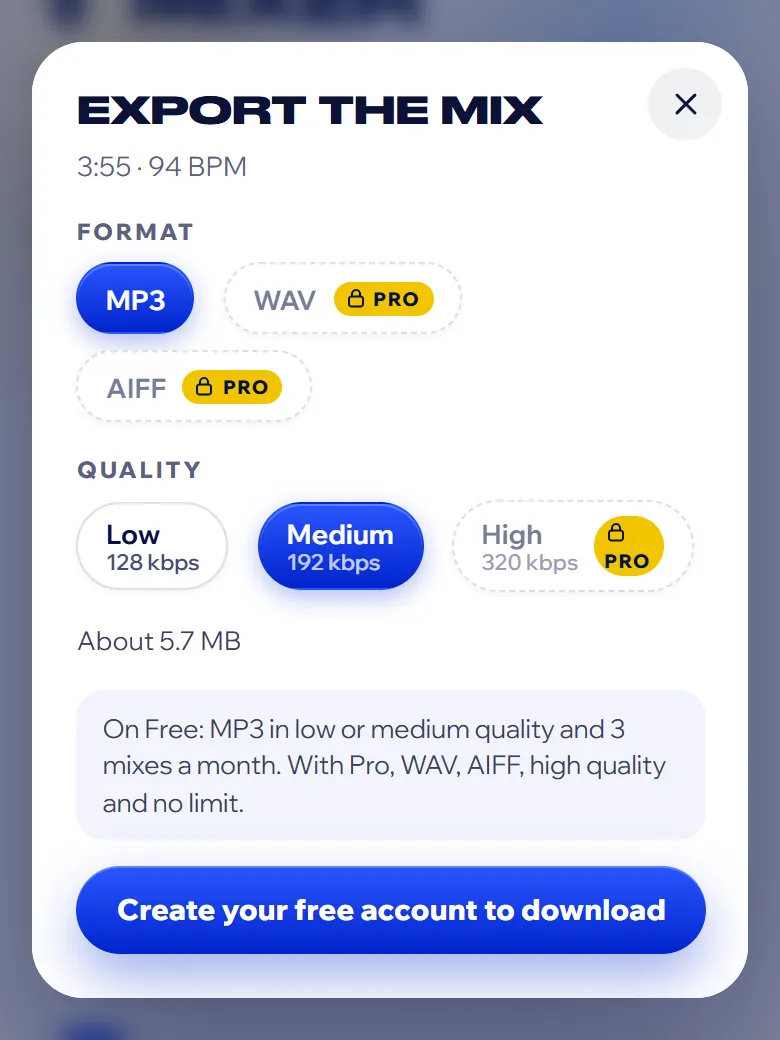
Transitions go in on their own. Listen to the mix, tweak whatever you like and download it as an MP3.
With your free account
No limits
The first time, you can try Mixer without signing up. To download, create your free account: when you do, you can try Pro free for a month.
See the plansWith Mixer, in your browser: upload your songs, set from which minute to which minute you want each one, and Mixer detects the tempo, snaps the cuts to the 8s and adds a transition between songs. Listen, tweak whatever you like and download it as an MP3. It's at utopicdance.com/en/apps/mixer.
No. Mixer is made for dancers: you work with minutes, 8-counts and the 1. If you want to fine-tune, the editor lets you move each cut, change the transition or correct the tempo.
Because choreography is counted in 8s. If a song comes in halfway through an 8, the count goes off and the group gets lost. Mixer snaps every section to whole 8s, warns you if a change doesn't fit and fixes it with “Line up the 8s”.
It detects it as soon as you upload the song (the BPM and where the 1 falls) and marks it as “Automatic”. If it's not right, you correct it: type it, nudge it up or down, count it double or half time, move the 1 or tap it in to the beat.
Yes. By default every song plays at the mix tempo, so the count stays the same from start to finish, and Mixer warns you if one speeds up or slows down enough to be noticeable in the vocals. You can also keep a song at its own tempo.
Yes. You pick the section of each song, see how long the whole mix is and download it ready for the sound team. Before you hand it in, check the length each competition asks for.
Yes. The loop repeats an 8 or a whole song while you rehearse, on Free and Pro. It doesn't change what you download.
Yes. A free account gives you 3 mixes a month of up to 3 songs, as MP3. Pro has no limits, adds every transition and effect and also downloads WAV and AIFF in high quality. The first time you can try it without signing up; to download, create your free account.
No. Everything happens in your browser: your songs never leave your phone or computer. It takes MP3, WAV, M4A and AIFF.
Yes, in your phone or computer browser, with nothing to install. You can add it to your home screen like an app.
Try it with the songs for your next show. The first time, no sign-up needed; to download, create your free account.
5, 6, 7, 8… cookies! We use ours and third-party ones to keep the site on beat and, if you accept, to measure and improve our advertising. More info